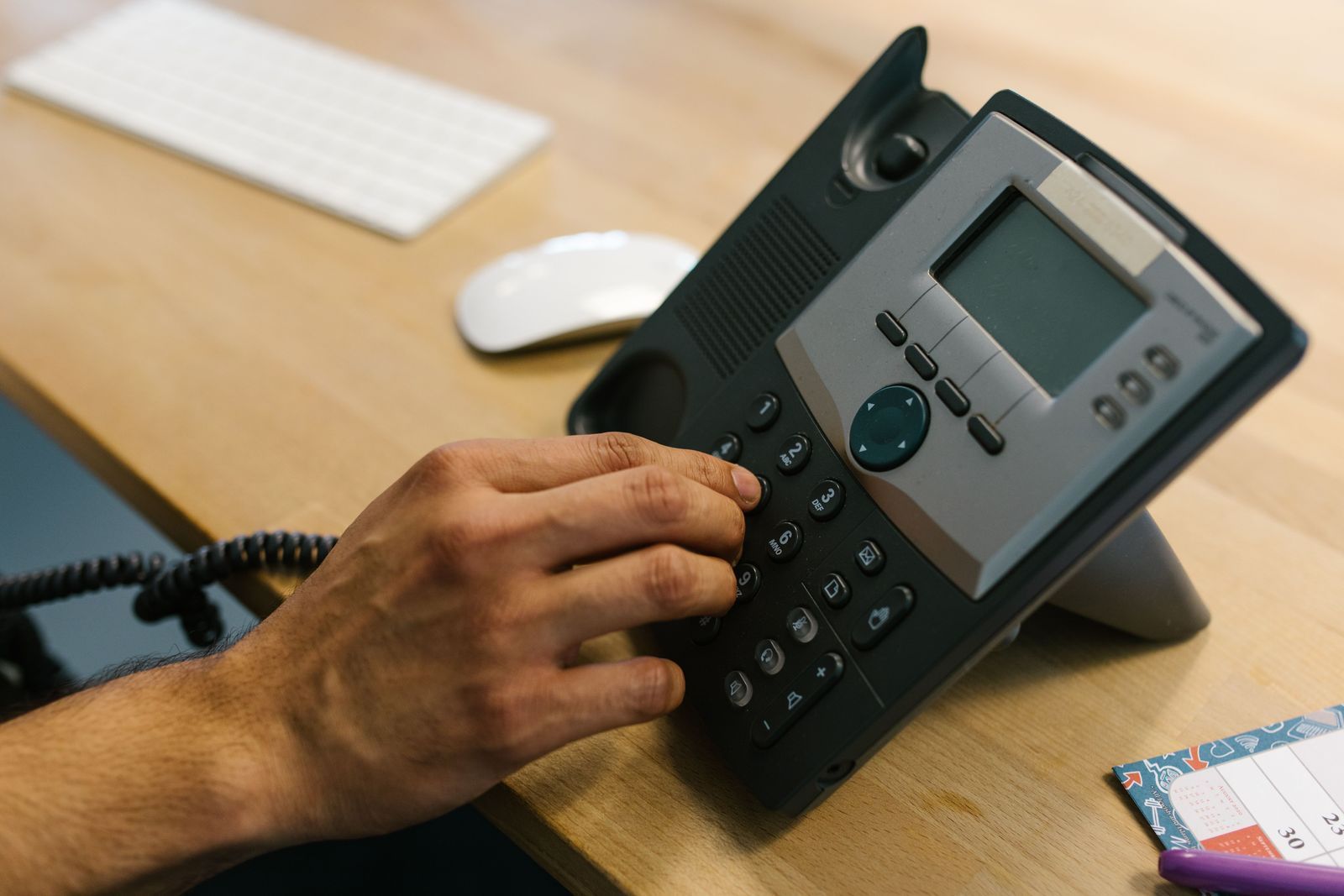
Moving premises? Order your connectivity first, keep your 029 number and avoid a week without phones. Our timeline for Cardiff businesses.

You've signed the lease, booked the van and ordered new desks. Then someone asks: "Will the internet be working on Monday?"
It's the question that catches out more office moves than any other. Furniture can arrive in a day. A new broadband line or leased line can't. Get the order of things wrong and you can spend your first week in new premises tethered to mobile phones, with customers ringing a number nobody's answering.
This checklist covers what to sort, and when, so your phones and internet work from the first morning. It's written for businesses moving within Cardiff and South Wales, but most of it applies anywhere in the UK.
Why telecoms needs to be first on the list, not last
Three things make an office move harder for telecoms than it used to be:
- Connectivity has lead times. A standard business broadband install can be fairly quick, but a leased line often takes several weeks, and sometimes a few months if new fibre has to be dug in to the building. You can't hurry the network operator by phoning more often.
- You can't move an old phone line to a new building. Openreach stopped selling new traditional analogue phone lines across the UK on 5 September 2023 (Openreach), and the old network is being switched off by 31 January 2027. If you're still on landlines or ISDN, a move is the natural moment to go digital. Our PSTN switch-off guide explains the background.
- Every building is different. What's available at your new address (full fibre, part fibre, a leased line, or not much at all) depends on the street, the building and sometimes the landlord. You need to find out before you commit, not after.
Your office move telecoms timeline
3 to 6 months before the move: check what the new building can get
Ideally, do this before you sign the lease.
- Run a connectivity check on the new address. Find out whether full fibre (FTTP) business broadband is available, what speeds are realistic, and whether a leased line can be delivered. We'll do this for you as part of a free line check.
- Decide between broadband and a leased line. If your team relies on video calls, a cloud phone system, large file transfers or cloud software all day, a dedicated line may be worth it. Our leased line vs broadband guide walks through the choice.
- Order a leased line now if you need one. This is the item with the longest lead time. Ask the provider about the survey, any building works needed, and whether there might be extra construction charges if fibre has to be run into the premises.
- Ask the landlord the awkward questions. Is there existing data cabling? Who owns it? Where's the comms room or cabinet? Is there a ducting route into the building for new fibre? Do you need permission for wall-mounted access points or drilling?
- Check your current contracts. Note the end dates and notice periods for your broadband, phone lines and phone system. Moving early doesn't always end a contract, so it's worth knowing where you stand.
2 to 3 months before: plan the inside of the building
- Get a site survey for data cabling. Count desks, printers, meeting rooms, screens, CCTV and access points, then add spare points for growth. Adding cabling to an empty office is far quicker, cheaper and tidier than working round furniture and people later. See our structured cabling guide for the Cat6 vs Cat6a question, or talk to us about data cabling.
- Plan the Wi-Fi properly. Open-plan floors, glass partitions, concrete walls and kitchens all affect coverage. A survey tells you how many access points you need and where they should go. Our office Wi-Fi guide covers the common problems, and our business Wi-Fi page explains how we install it.
- Order your business broadband. Even if a leased line is coming, broadband makes a good backup connection, so your phones and cloud tools fail over if the main line ever drops. Book the install for a date comfortably before you move in. More on our business broadband options.
- List everything that currently uses a phone line. Intruder and fire alarms, lift emergency phones, door entry systems, franking machines and older card machines often run on traditional lines. Each one needs a digital alternative or a new plan at the new site.
4 to 6 weeks before: sort out your phones
- Move to a cloud phone system if you haven't already. With a cloud (VoIP) system, your phones aren't tied to a physical line in a particular building. Plug the handsets in at the new office, or use the app on a laptop or mobile, and they just work. Our Gamma Horizon cloud phone system starts from £19.99 per user per month plus VAT. Find out more about our business phone systems, or read what a business phone system costs.
- Keep your phone number. If you're staying in the Cardiff area, you can normally keep your 029 number. It's ported to the new system and stays yours. Customers, Google listings, vans and printed stationery don't need to change. Our landline to VoIP guide covers how porting works.
- Book the port for a quiet day. A number port happens on a set date. Plan it for a day when you're already set up to take calls on the new system, not in the middle of the move.
- Set up call routing for moving day. Decide where calls go while desks are being unpacked: to mobiles, to the app, or to a hunt group of whoever is available.
- Order handsets and headsets. If you're buying new desk phones, get them delivered and configured before the move, not on the day.
1 to 2 weeks before: test everything
- Confirm the broadband or leased line is live at the new premises, and run a speed test from a laptop on site.
- Check the cabling and Wi-Fi are installed and tested. Patch points should be labelled so you know which socket goes to which desk.
- Test calls in both directions, including your main number, any direct dials and the out-of-hours message.
- Update your address where it matters: Google Business Profile, your website, email signatures, suppliers and your bank. Your phone number doesn't need updating if you've kept it.
Moving day and the first week
- Have a named contact at your telecoms provider you can ring if something isn't working.
- Plug in desk phones at their new desks. On a cloud system they should register automatically.
- Walk the office with a phone on a video call to check for Wi-Fi dead spots before staff find them for you.
- Cancel what you no longer need: old lines, old broadband and any equipment rental at the previous site, once you're sure the new setup is working.
Common office move mistakes we see
- Signing the lease before checking connectivity. A lovely office with poor broadband options is an expensive mistake to undo.
- Ordering the leased line too late. If it isn't live on moving day, you need a stopgap, such as a temporary broadband line or a 4G/5G router.
- Forgetting the alarm and lift lines. These are easy to overlook until an alarm company or building manager asks how the system will call out.
- Cabling after the furniture arrives. It costs more, takes longer and usually looks worse.
- Using several suppliers who don't talk to each other. When the broadband company blames the phone company and the phone company blames the cabling installer, you're the one without a working office.
One supplier for the whole move
Crystal Voice Data looks after business telecoms across Cardiff and South Wales: phone systems, broadband, leased lines, Wi-Fi and data cabling. That means one team plans the move, one team orders the connectivity, and one number to call if anything goes wrong. We're a Gamma Accredited Partner and an O2 Business Partner, so you get proven networks and local support.
Planning a move? Book a free phone line check and we'll tell you what your new building can get, what needs ordering first and how to keep your number. Or call us on 0333 5678 444.
Paul Ward, Crystal Voice Data